Creating a home office that balances productivity and relaxation is essential for anyone working remotely or running a business from home. A well-designed workspace can enhance focus, reduce stress, and improve overall work satisfaction. In this post, we’ll explore practical steps to turn your home office into a space that supports both efficiency and ease.
Choose the Right Location
Consider Natural Light
Selecting a spot with plenty of natural light is beneficial. Daylight helps regulate your body clock, elevates mood, and reduces eye strain. Position your desk near a window if possible, but be mindful of glare on your computer screen.
Minimise Distractions
Try to set up your office in a quiet part of your home, away from high-traffic areas. This will help you maintain concentration and keep work separate from home life.
Invest in Comfortable and Functional Furniture
Ergonomic Chair and Desk
An adjustable chair that supports good posture is key to preventing back and neck pain. Pair this with a desk at the right height for typing and writing comfortably.
Adequate Desk Space
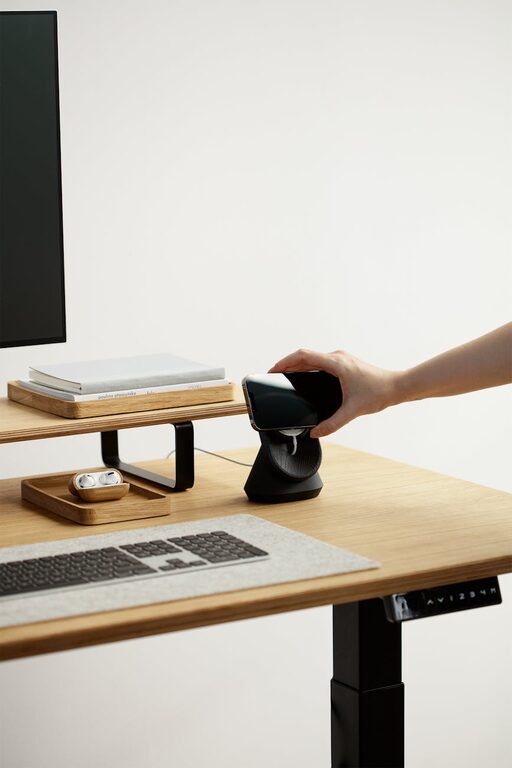
Ample surface area allows you to organise your materials effectively without clutter. If space is tight, consider wall-mounted shelves or compact desks designed for small rooms.
Keep Your Office Organised
Use Storage Solutions
Drawers, file organisers, and storage boxes keep documents and supplies tidy, reducing visual clutter and making it easier to find what you need.
Declutter Regularly
Make it a habit to clear your desk and sort through paperwork weekly. A clean environment fosters clearer thinking and reduces stress.
Personalise Your Workspace
Add Plants
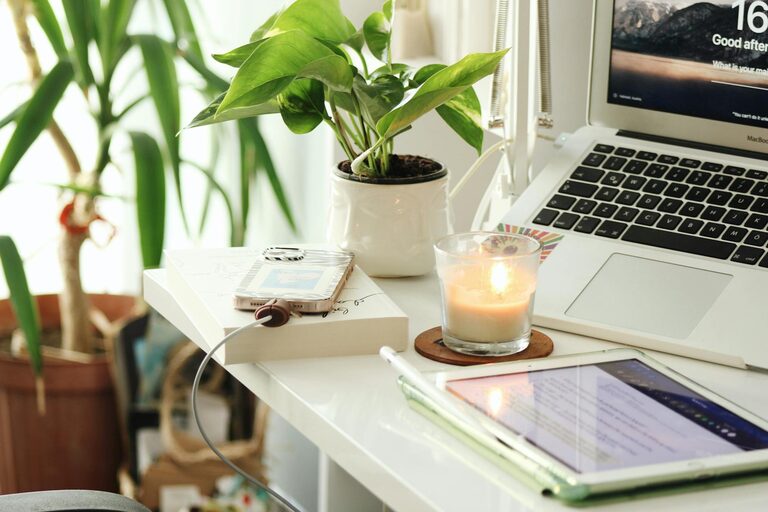
Indoor plants improve air quality and add a touch of nature, which can be calming and promote creativity.
Display Inspiring Items
Photos, artwork, or motivational quotes personalise the space and can boost your mood during busy days.
Optimize Lighting
Layered Lighting
Combine natural light with task and ambient lighting. A desk lamp with adjustable brightness allows for focused work without straining your eyes.
Avoid Harsh Lighting
Soft, warm light sources tend to create a more relaxing atmosphere compared to fluorescent bulbs.
Establish Technology and Connectivity
Reliable Internet Connection
A fast and stable internet connection is essential for video calls, research, and cloud work.
Organise Cables
Use cable tidy solutions or clips to keep cords neat and prevent tangling, which maintains a tidy desk and reduces distractions.
Set Boundaries and Maintain Routine
Define Work Hours
Decide on clear working hours to avoid overworking. When your day ends, step away from the workspace to recharge.
Use a Door or Divider
If possible, close a door or use a room divider to physically separate work from personal space.
Incorporate Relaxation Elements
Comfortable Seating Area
If space allows, add a comfortable chair or small sofa where you can take breaks, read, or meditate.
Calming Colours
Choose paint colours or decor in soft, neutral tones or muted blues and greens that promote calmness.
Enhance Air Quality and Temperature Control
Ventilation
Keep the room well-ventilated with open windows or an air purifier to maintain fresh air.
Temperature Control
Use fans, heaters, or air conditioning to manage room temperature, ensuring your workspace is neither too hot nor too cold.
Final Thoughts
A relaxing and productive home office reflects a thoughtful blend of comfort, organisation, and personal touch. By following these tips, you can create an environment that supports your work goals while making your daily routine more enjoyable. Remember, small changes can have a big impact on how you feel and perform within your home office space.